Who is Pounce for?
Resellers who already understand speed, alerts, ROI, and local pickup. If you use Stellar, Refract, Wraith, or cook group monitors, Pounce is the Marketplace lane next to that stack.
What kinds of deals is Pounce best for?
Pounce covers electronics, sealed Pokemon, LEGO, cameras and lenses, golf clubs, guitars and basses, amps and pedals, and digital pianos and keyboards. Pro adds cars, trucks, powersports, and watches. Coverage depends on the supported model and usable pricing, not just the category name. Specific and custom searches let you focus on other products you know how to flip.
What are ready-made categories?
A custom search watches a product or set of rules you define. A ready-made category covers supported items from a price catalog, so you can watch many models with one search. Pounce checks the listing against that catalog and your filters. In Profit Mode, it needs a supported match and usable pricing before sending a deal alert; it doesn't invent a resale value for an unpriced item.
Can I search for one exact model?
Yes. Choose Specific Search to browse models within each group, including cameras, lenses, instruments, golf clubs, and video games. LEGO has a set-number and name lookup, and Misc. includes ready-made searches for less typical flips. A model appearing in the browser doesn't guarantee current resale pricing; Auto still needs a usable value before a deal qualifies.
What is the difference between Standard and Pro?
Standard ($69/mo) includes 20 search slots, product categories, custom searches, AI verification, Auto-message, Auto-lowball negotiation, and Facebook Marketplace relisting. Pro ($149/mo) includes all of that with 30 search slots, plus vehicle and watch searches. Vehicle pricing uses supported KBB and J.D. Power data; watches use WatchCharts. Category and custom searches share your plan's allowance.
Will Pounce relist items for me?
Yes. Both plans can prepare a Facebook Marketplace listing from a deal in your dashboard. You review the details, price, category, and photos before publishing from your selected listing account. The monitor must be stopped for relisting. Only list items you own, describe their condition accurately, and use photos you have the right to publish. eBay publishing is not currently supported.
Does Pounce message sellers for me?
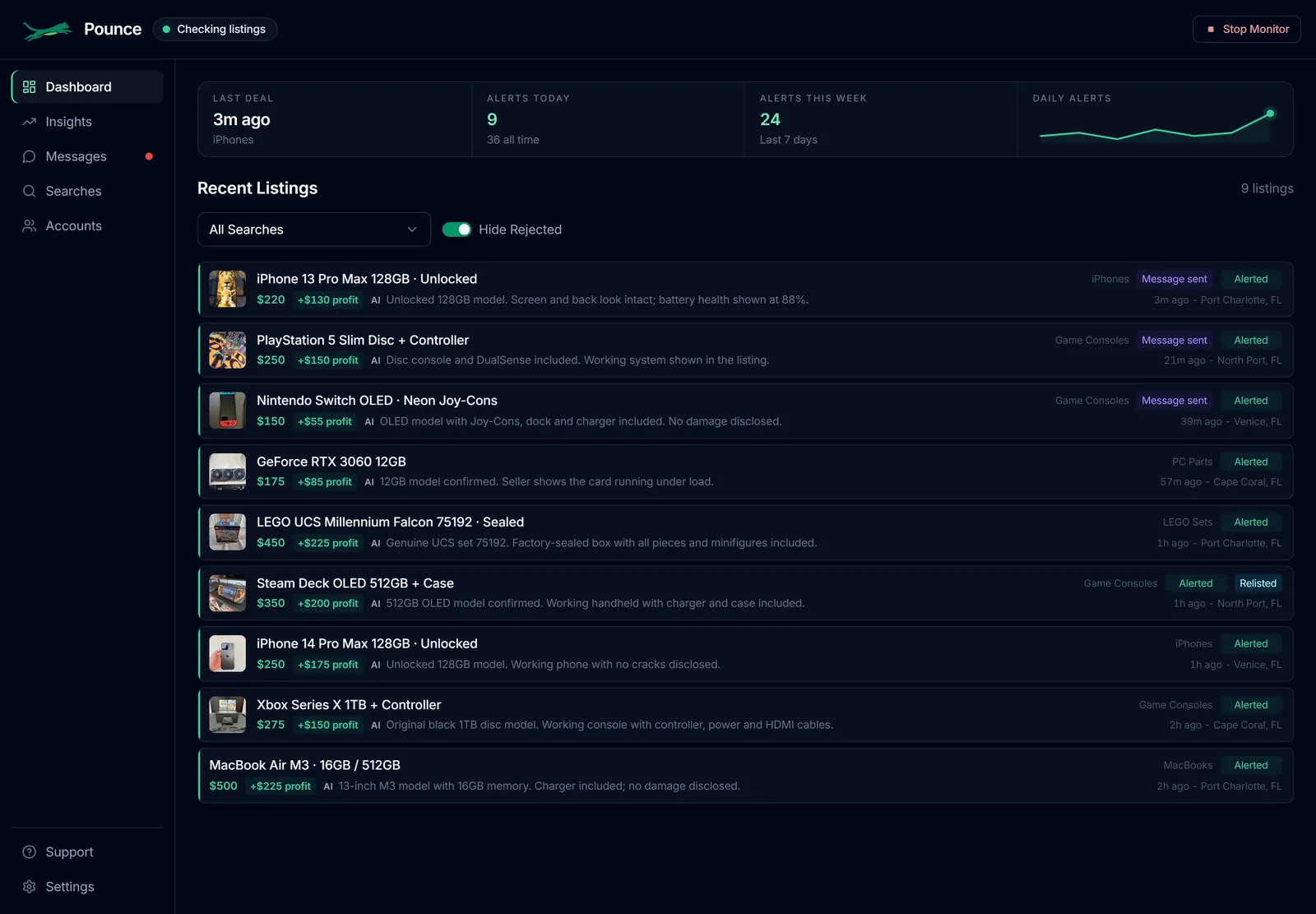
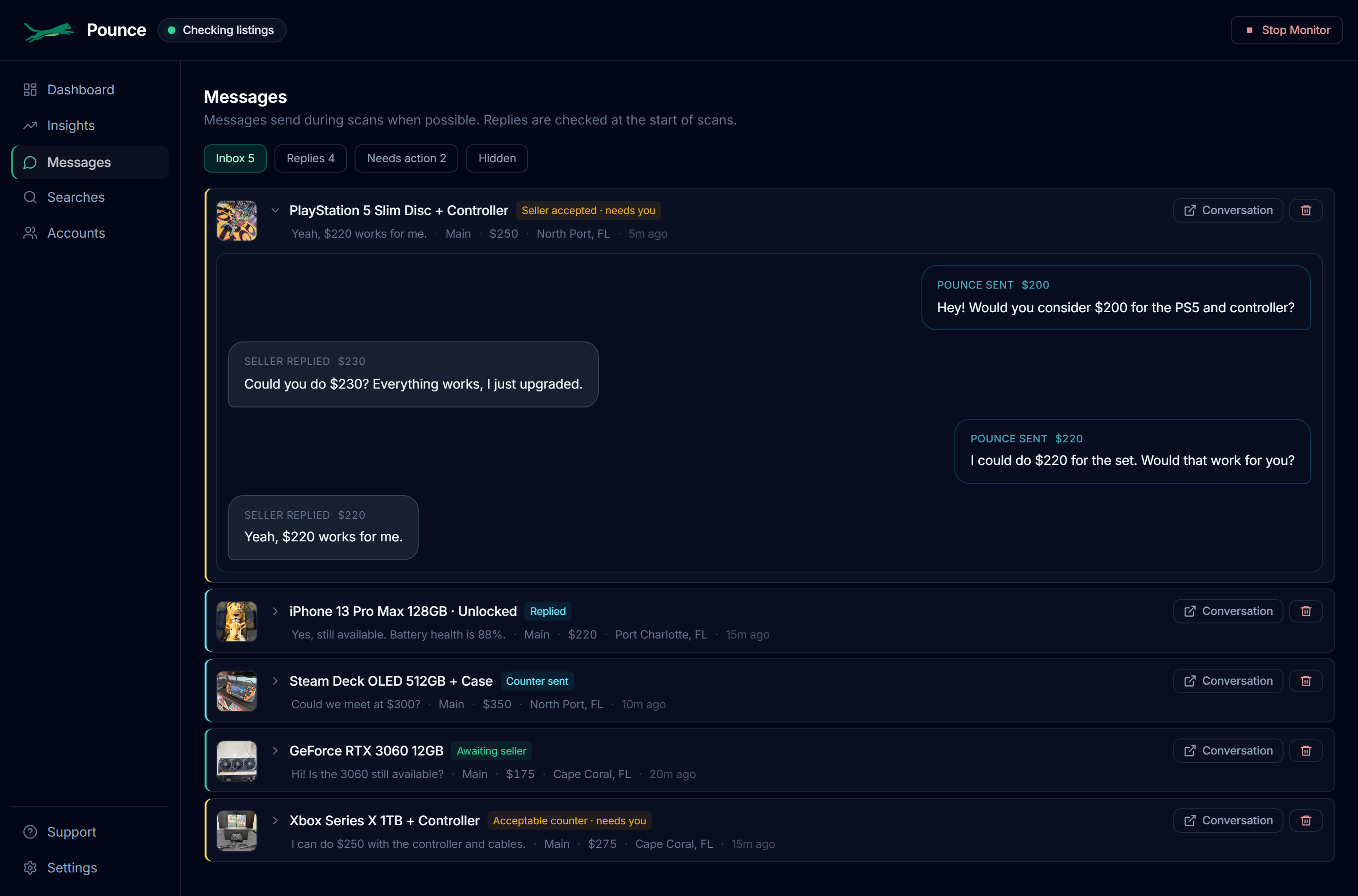
Yes, if you enable Auto-message for a search. Pounce writes a natural opener for an approved listing and sends it from the account that found it. You can set messaging hours, a message radius, and a daily opener limit per account. Seller replies and conversations needing your attention appear in Messages, with optional reply notifications, lowballing, and negotiation options.
How does Auto-lowball negotiation work?
Enable it per search and set an ROI target, or a target buy price for a manual-price search. Pounce can make lower offers on suitable listings that aren't yet a deal at the asking price. It waits for seller replies before negotiating, keeps counteroffers within your target, and flags accepted offers, acceptable counters, or anything needing your input. Negotiation is limited, not an endless conversation. You still arrange pickup and payment; seller acceptance and profit aren't guaranteed.
Are profit estimates guaranteed earnings?
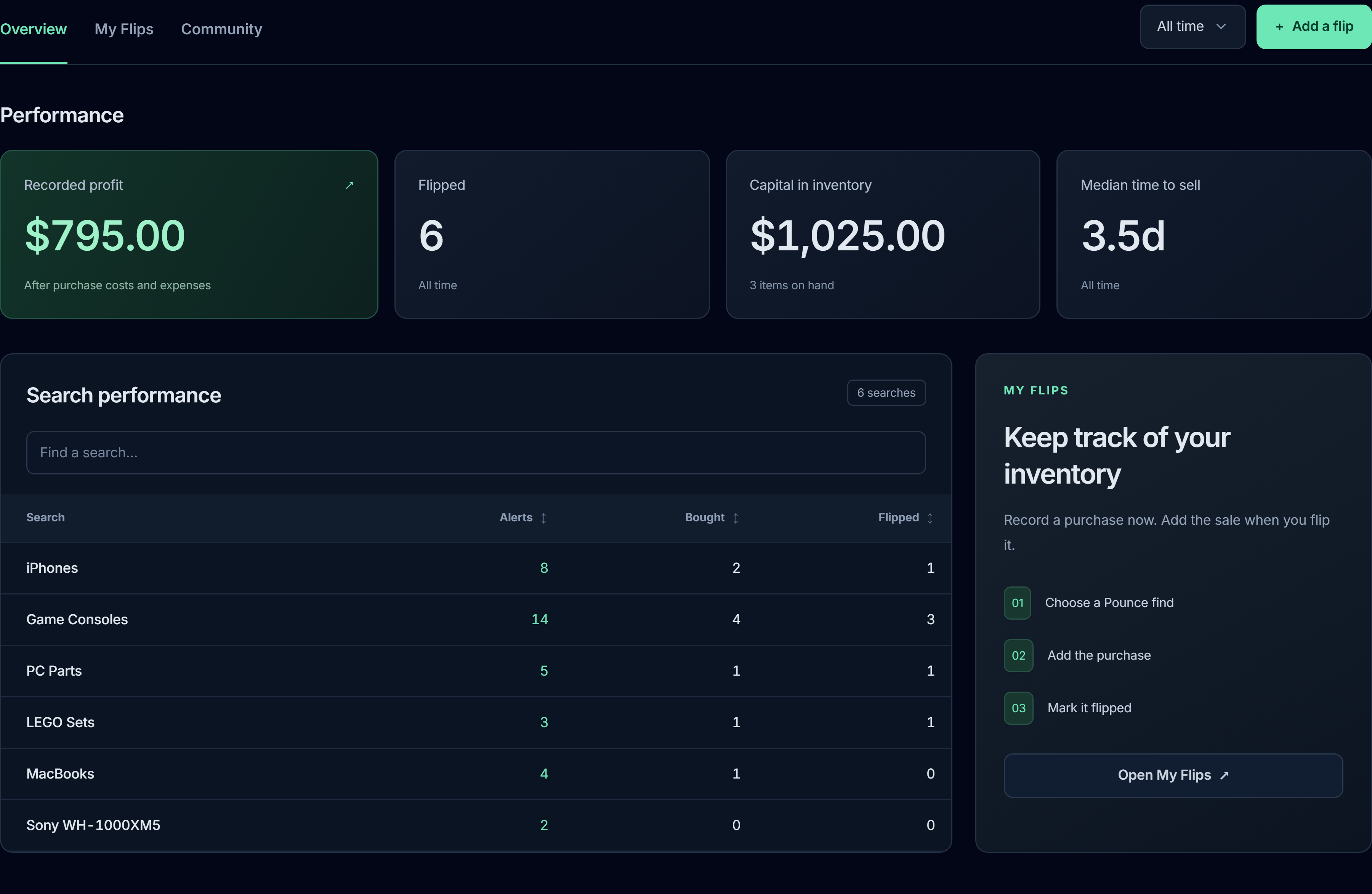
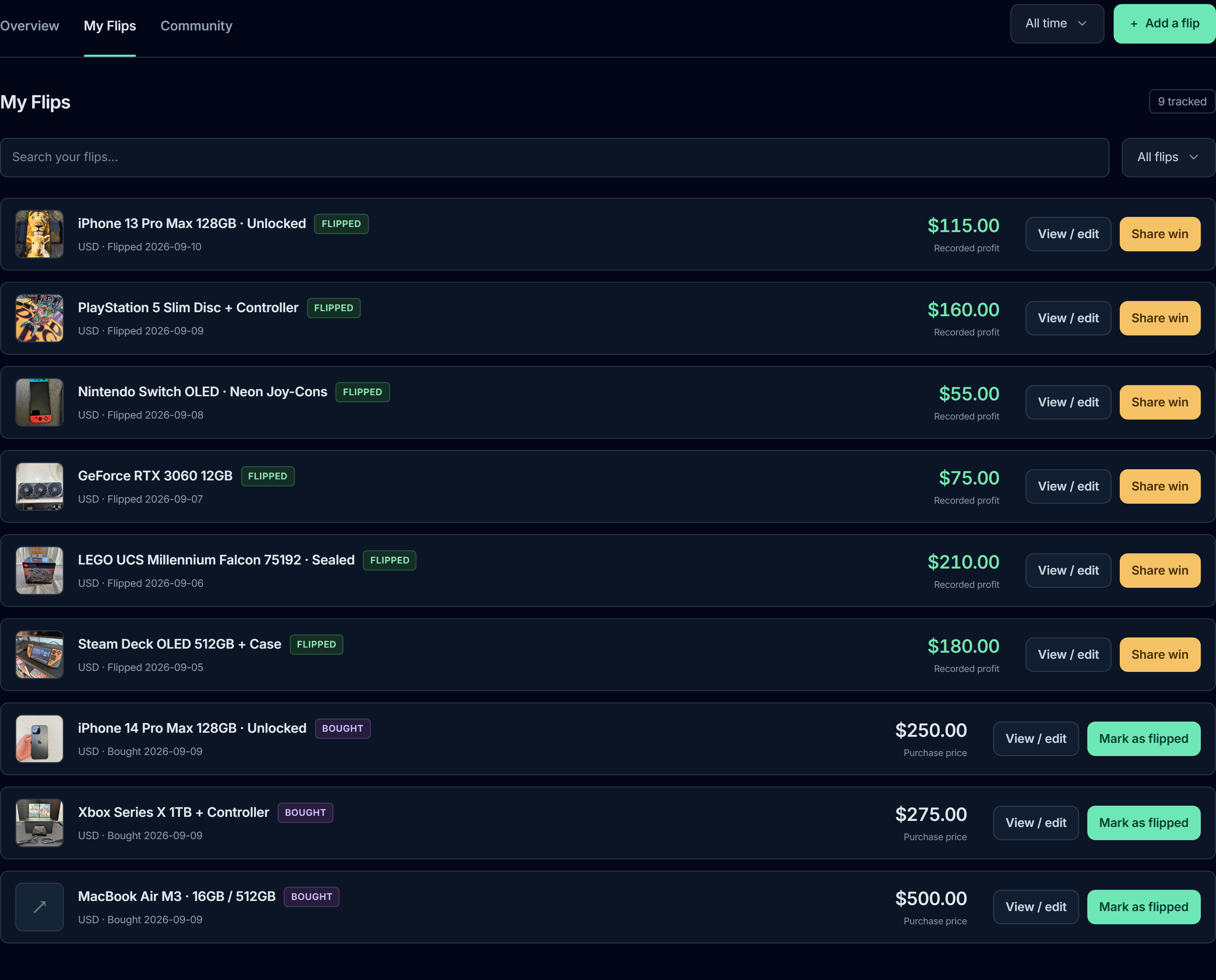
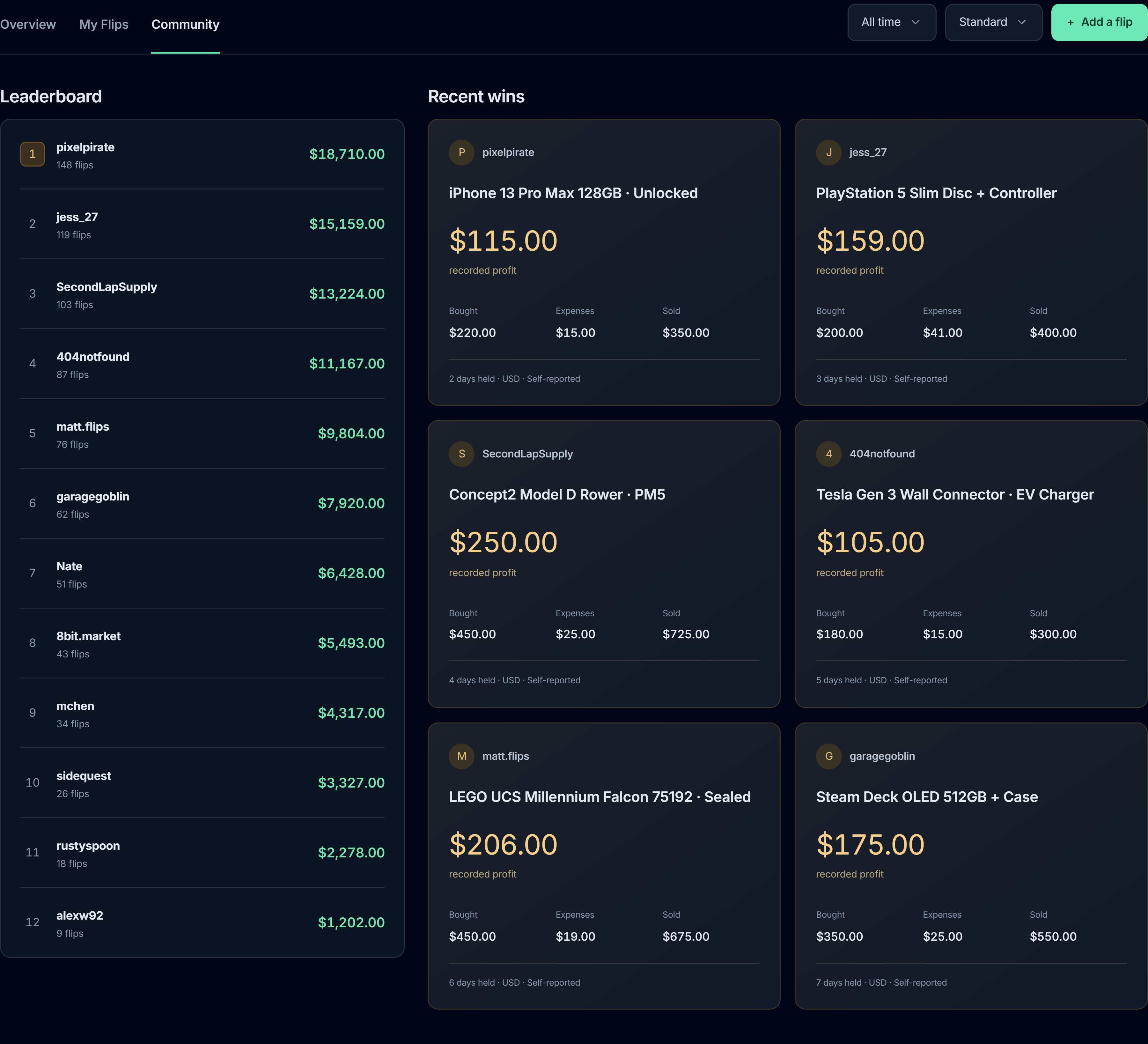
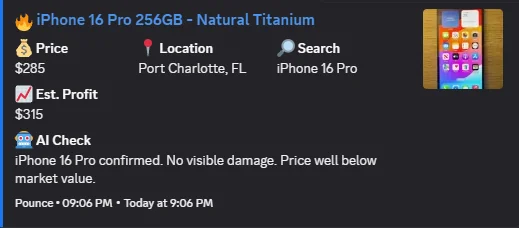
No. Deal estimates use the listing price and available resale data, not completed sales. Fees, shipping, repairs, travel, condition, and the price you actually achieve can change your result. Insights keeps that separate: recorded profit uses the purchase price, sale price, and expenses you enter.
What do I need to get started?
You need the Windows app, a Facebook account that can access Marketplace, at least one search you want to run, and somewhere to receive alerts. Discord is recommended because it is fast, searchable, and easy to keep open. Auto-message is optional and can be turned on per search later.
Can I use multiple Facebook accounts?
Yes. Multiple accounts let you split searches across accounts or assign the same search to more than one account. Each enabled search uses one slot per assigned account, so one search on three accounts uses three slots. Extra accounts don't increase your plan's total allowance.
How do search slots work?
Standard includes 20 slots and Pro includes 30, shared by category and custom searches. An enabled search counts once per assigned account. Disabled searches don't count. For example, four searches assigned to two accounts each will use eight slots.
Can my Facebook account get restricted?
Any Marketplace automation has risk. Pounce is designed to behave conservatively, but no tool can guarantee zero restrictions. For extra safety, use aged secondary or backup accounts, keep search volume realistic, and avoid pushing too aggressively on your main Facebook account.
How fast are alerts?
A well-tuned setup can pick up new listings within seconds of them appearing in Marketplace search. That's a capability, not a guaranteed time for every listing. Timing varies with your search load, scan settings, Marketplace availability, and notification delivery. Keep Pounce and your Windows PC running; scanning pauses during required quiet hours.
Listing age isn't alert delay. “12 minutes ago” tells you when the seller posted; it doesn't tell you when that listing became discoverable in your search. It could have appeared only seconds before your alert. That timestamp alone doesn't prove the alert was late, or that it was instant.
Does Pounce work on Mac or phone?
Pounce is a Windows 10 or 11 app. It has to run on a Windows PC that stays awake and connected while it scans. You can still act from your phone: alerts go to Discord or Telegram as well as Windows notifications.
Does Pounce monitor Craigslist, OfferUp, or eBay?
No. Pounce monitors Facebook Marketplace only. It can use recent eBay sold comps to price custom searches, but it doesn't watch eBay listings. See how Marketplace alert apps compare.
Is Pounce the same as Pouncify?
No. Pounce (pounce.gg) and Pouncify are unrelated products from different companies. See how they differ.